

Appearance
Quick start with CLI
Learn how to send your first request using curl.
This guide shows how to send your first request to the Doppio API for HTML-to-PDF or screenshot generation by using curl from the command line.
❶ Prerequisites
To fully benefit from this guide, you'll first need to sign up for Doppio.
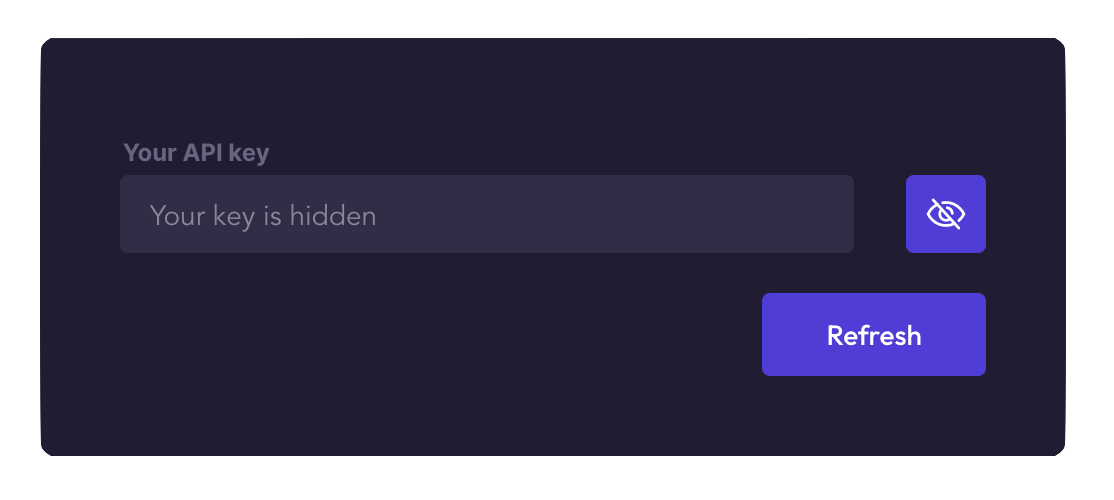
Go to the dashboard and copy the API key of your organization, under API key. Every member of the organization uses the same key, and each render made with it counts in the quota of the organization. The free plan is free forever.
❷ Send a request
Now that you have your API key, you are ready to send your first request to Doppio.
Render PDF
You can now explore the available parameters to customize your requests and adapt the output to your needs.
From here, you can adapt the same approach for more advanced PDF or screenshot workflows.